
Nano Banana Pro Image Generator
A cost-effective Pro option for everyday use. Great for fast iterations, solid details, and consistent quality presets.
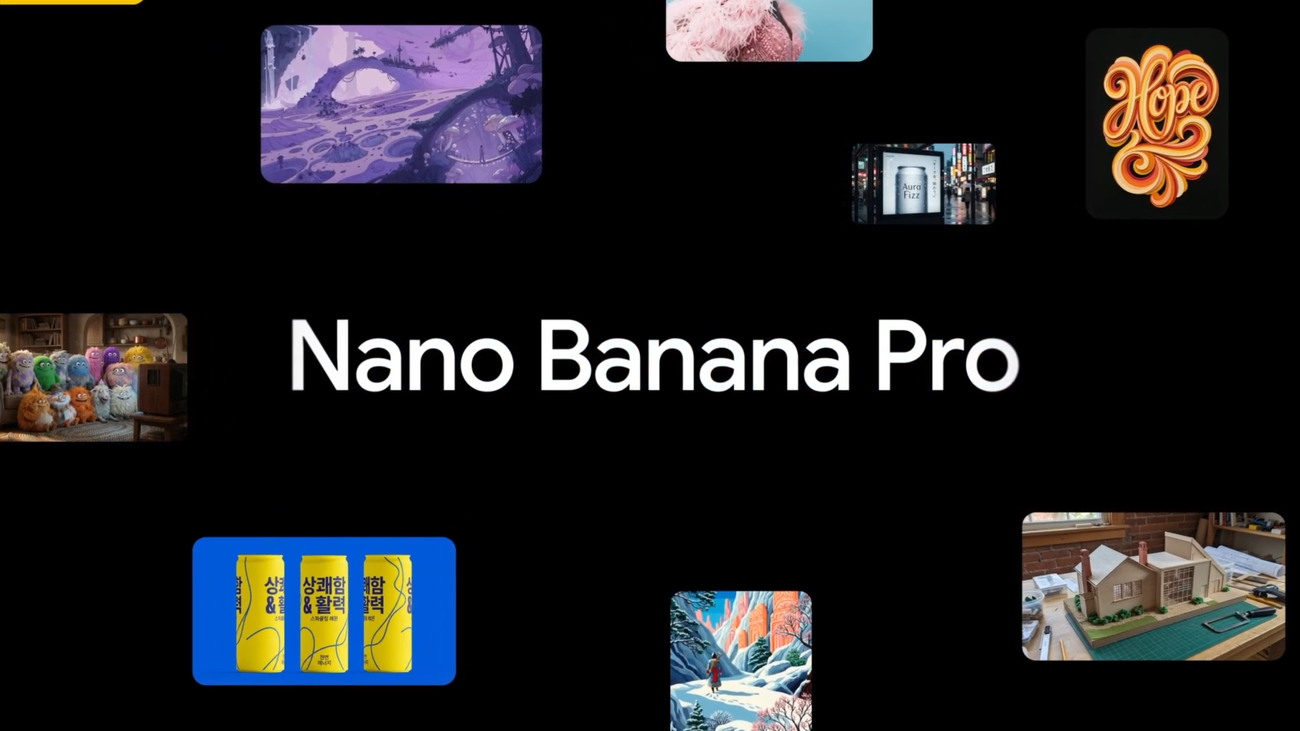
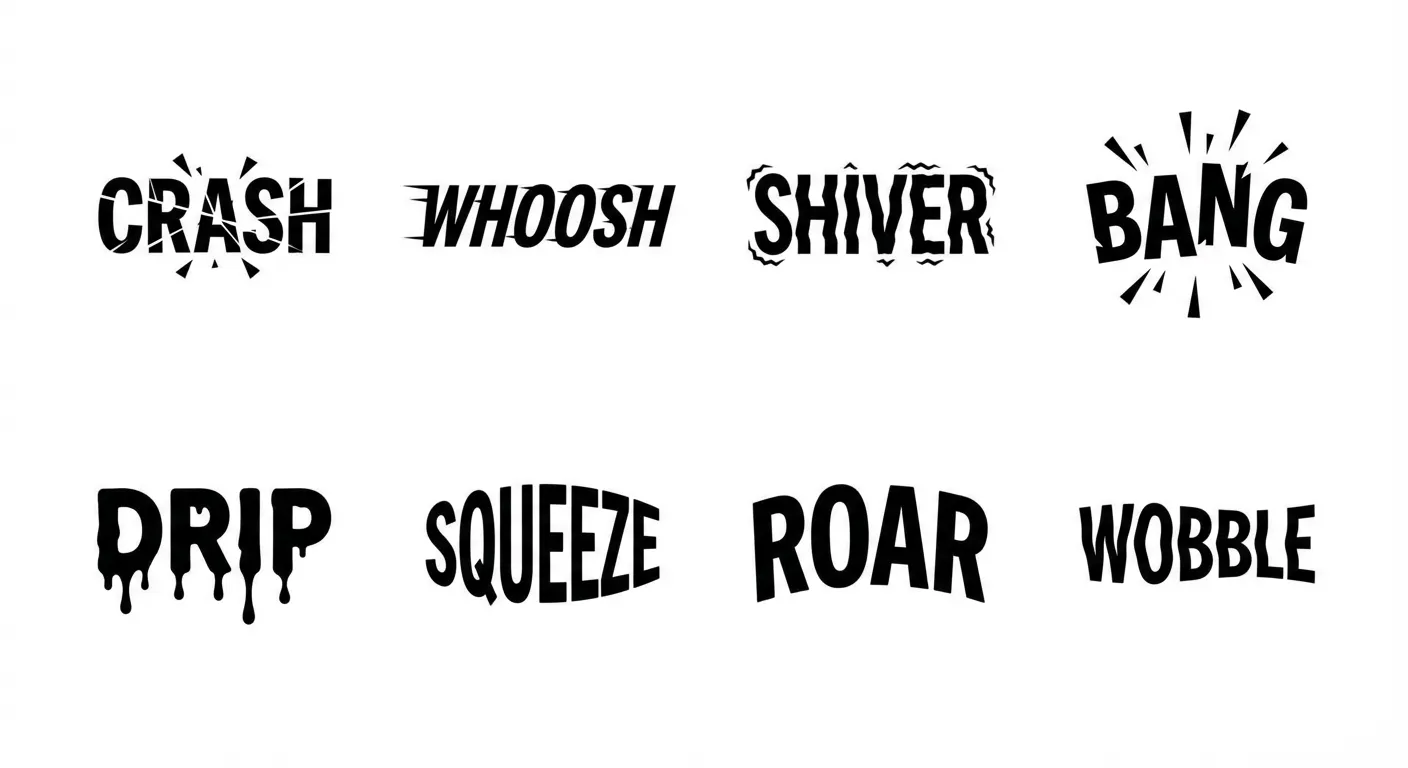
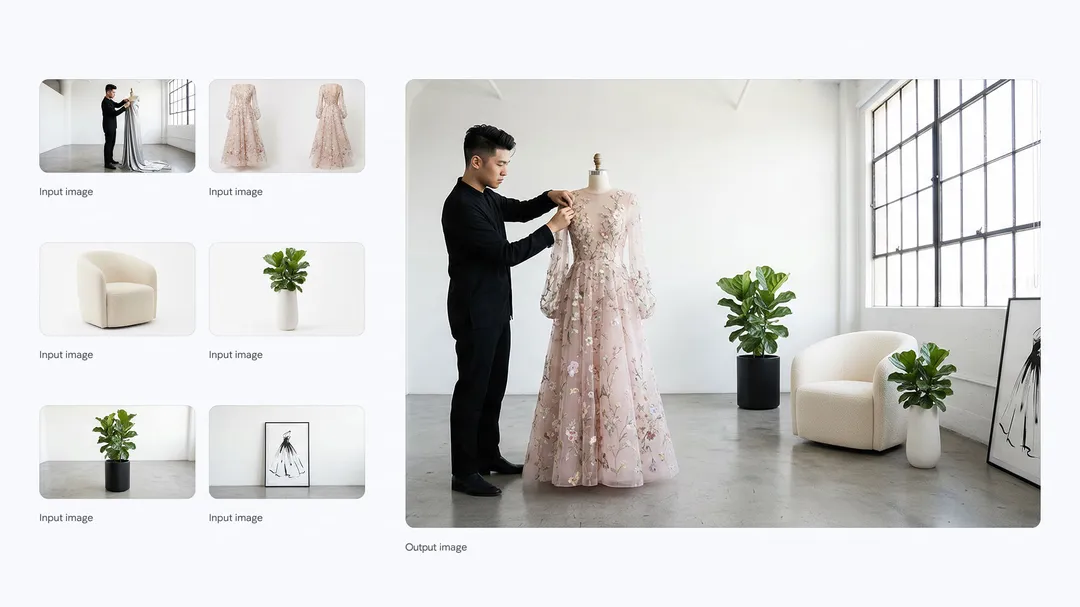
Stronger high resolution and text rendering; ideal for posters, UI assets, and complex layouts. Supports 1K/2K/4K output.
Model positioning
Nano Banana Pro (Gemini 3 Pro Image): high quality with strong text rendering
An image model for high-quality outputs and complex layouts, ideal for brand assets, posters, and high-resolution production.
Highest quality
Officially positioned as the highest-quality image model.
High-resolution output
Supports 1K/2K/4K output.
Advanced text rendering
More stable for long text and complex layouts.
Multi-reference blending
Blend up to 14 reference images into one output.
Prompt category examples (with official samples)
Templates for complex layouts, high resolution, and production-ready outputs.
1) Storyboard / narrative frames
Template: story theme + storyboard description (camera/composition/rhythm) + style.
2) Text rendering and layout
Template: place the exact text in the scene + font style + alignment and hierarchy.
3) Text sculpting
Template: specify the text + text material/shape + scene background.
4) Infographics / factual charts
Template: topic + key data points + chart type + layout and color palette.
Nano Banana Pro prompt best practices (results-oriented)
High-quality output depends on clear structure and layout descriptions.
Practice 1: Quote text and describe layout
Explicitly write the text to display and how it should be laid out.
- Example: place "SUMMER SALE" in the center (bold sans-serif, centered)
- Add font size, alignment, and hierarchy
Practice 2: Choose resolution first
Pick 1K/2K/4K based on usage.
- Social / drafts: 1K
- Posters / print: 2K/4K
Practice 3: Describe complex compositions step by step
Use the order 'subject -> layout -> details'.
- Start with subject and scene
- Then add text and layout
- Finally add material details
Practice 4: Define roles for multiple references
Explain the role of each reference image (subject/background/style).
- Up to 14 reference images
- People/objects can be marked as high-fidelity references
Practice 5: Enable Search grounding for factual accuracy
Best for infographics, educational charts, and brand guidelines.
- Describe the fact scope and key data points
- Emphasize chart type and color rules
When is Nano Banana Pro the better choice?
Best when you need high resolution plus complex text/layout.
Posters / banners / UI assets
More stable for complex layouts and precise text.
- Clear headline and subhead
- Great for brand visuals
Infographics / charts
Pair with Search grounding for factual charts.
- Structured information output
- Great for education and reports
High-resolution finals
Ideal for images that need HD detail and fine materials.
- 2K/4K output
- Print and display use
Multi-image brand assets
Combine multiple sources into a polished final image.
- More stable for complex composition
- Great for marketing assets
FAQ
Nano Banana Pro FAQ
Common questions about Nano Banana Pro.
Get started
Generate high-quality images with Nano Banana Pro
Ideal for complex layouts and high-resolution finals.
References and sources (for verification and deeper reading)
Features and examples on this page reference official documentation and release notes.
Google Official Blog: Nano Banana Pro / Gemini 3 Pro Image
Official announcement and capability highlights.
Gemini API docs: Image generation guide
Resolution, reference count, Search grounding, and more.